AI image, video, avatar and voice studio
Generate it.Animate it.Finish it.
The leading AI models and a motion graphics editor, in one place. Go from idea to finished video without switching tools.
- Veo 3.1
- Kling 3.0
- Seedance 2.0
- Wan 3.0
- Runway Gen-4.5
- Hailuo 3
- Grok Imagine
- FLUX 3
- Nano Banana 2
- GPT Image 2
- Seedream 5
- Avatar IV
- ElevenLabs
From a sentence to a shot.
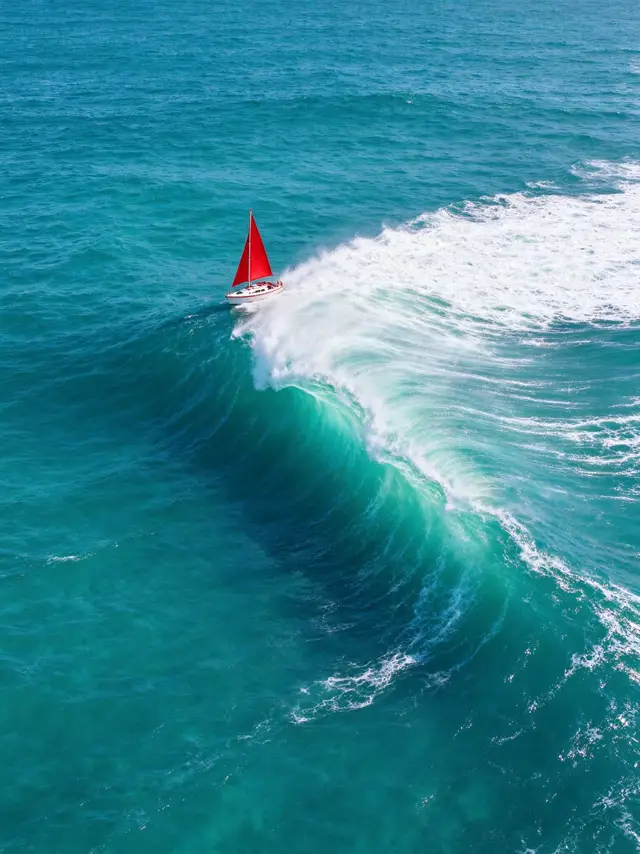
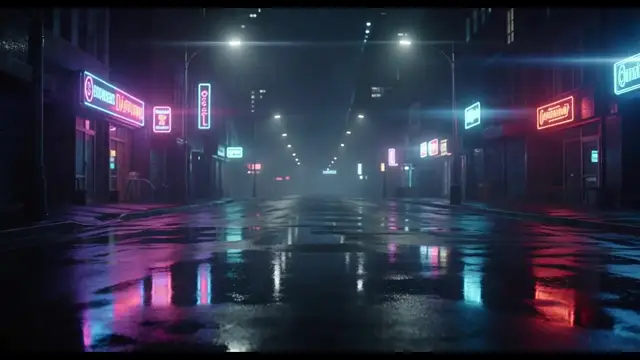
These are real results from Fantygen, with the real model and credit price.
Any look. Any genre.
From film trailers to food ads, in every format your channels need.



Everything lands on your timeline.


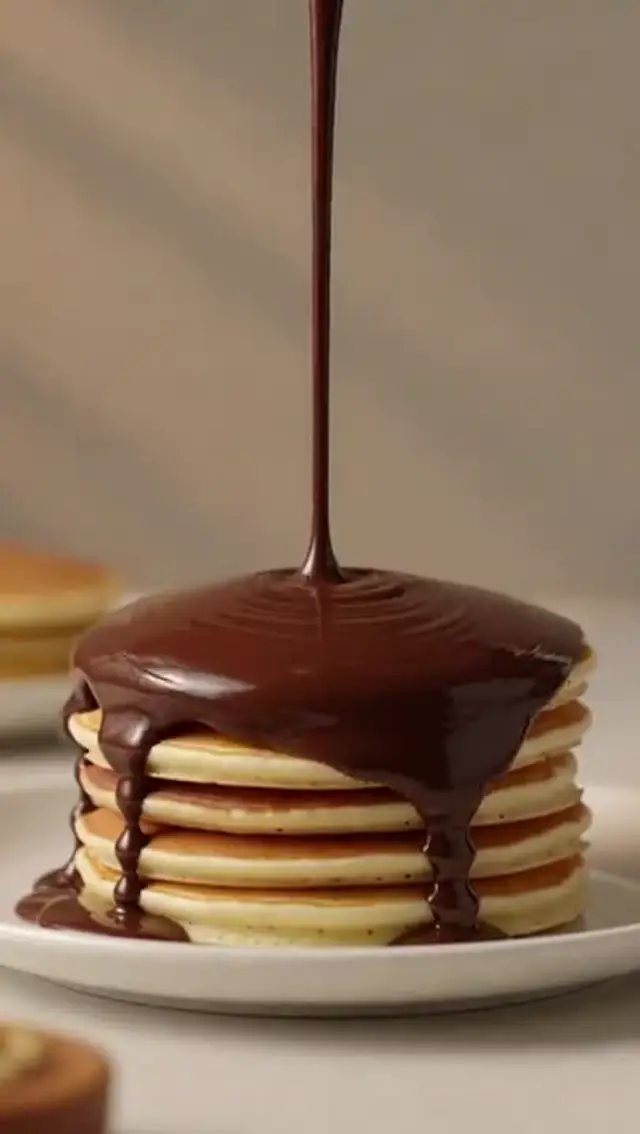
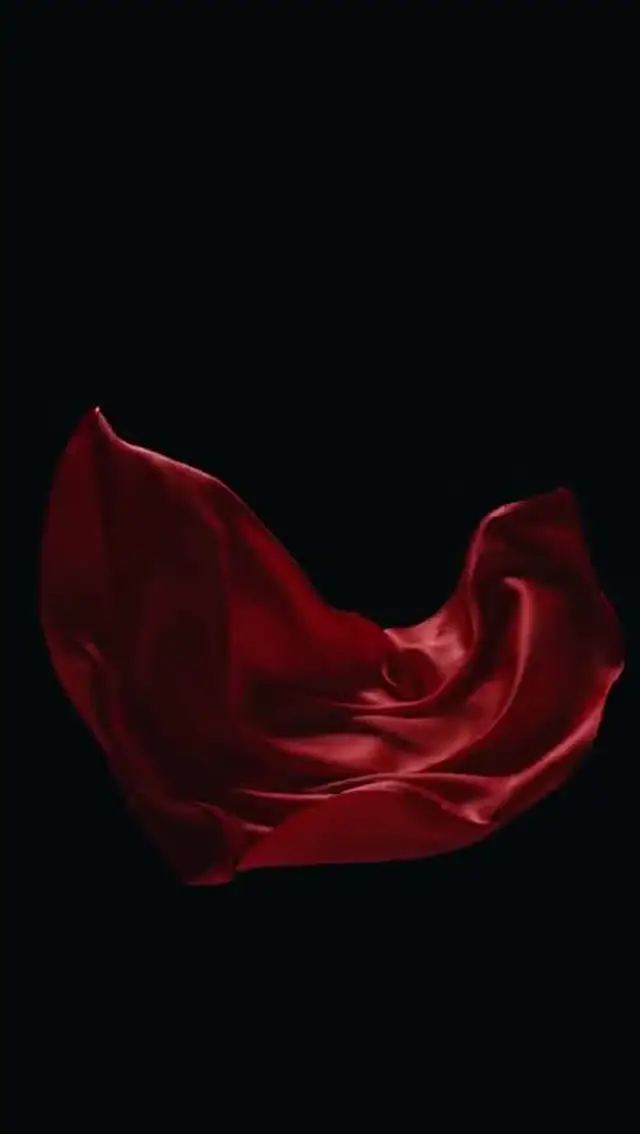
Four AI studios. One timeline.
Everything you generate is ready to edit.

Image
Campaign-ready images from a sentence, with the leading image models in one place.
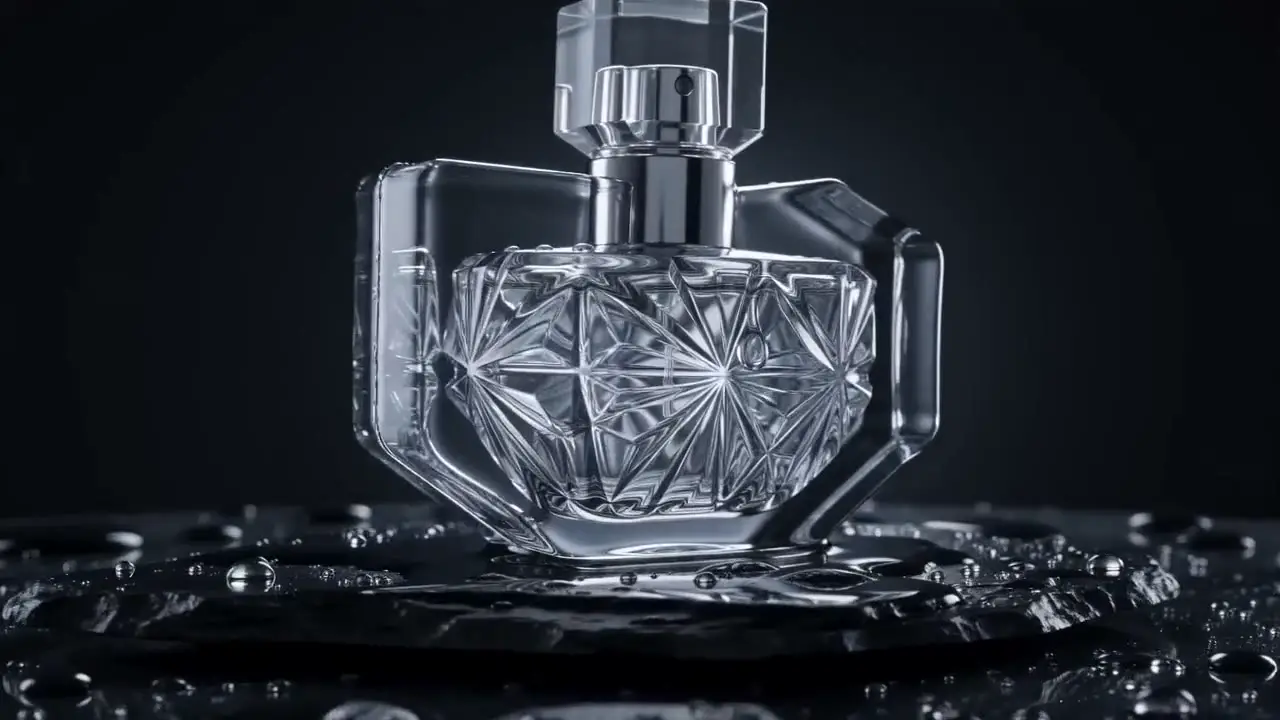
Video
Turn text or a still image into video with Veo, Kling, Seedance, Wan, Runway and Hailuo.

Avatar
Upload a photo, write a script and get a lip-synced presenter, without a camera.
Voice
Natural voiceovers for ads and videos, ready for your timeline in seconds.
How it works
- 1
Generate
Pick a studio and a model, write your idea, and see the price before you start.
- 2
Animate
Send the result to the editor. Add titles, captions, voice and motion.
- 3
Export
Render an MP4 for any platform, with no watermark.
The motion editor
A raw clip isn't a finished video.
Titles, captions, keyframes and motion templates are built in, so the last mile happens here too.
Explore the editorMade for people who ship content
Pricing you can trust
See the price first
Every generation shows its exact credit cost before you press the button.
Failed? Refunded.
If a generation fails or is blocked, the credits return automatically.
Never "unlimited"
No vague promises. Your plan's credits are your plan's credits.
Cancel in one click
No forms and no email. Your plan runs until the period ends.
From the blog
All articles
How to write AI video prompts that work
A simple structure for AI video prompts: subject, action, camera, light and mood, with examples you can copy.

How to make product videos with AI for your online store
A step-by-step workflow for turning product photos into short ads, from first frame to captions and export.

Which AI video model should you use?
How to choose between AI video models by cost, resolution, length and control, and how to test without overspending.